Dashboard
Accessible from the main menu, the Dashboard interface provides a view of key performance indicators (KPIs) for a summary of selected system statuses shown in custom cards, which contain statistics, color-coded charts, and links. These cards serve as entry points to detailed views and reports throughout the application. The dashboard currently supports Service Mode cards, Task Monitor cards, and Validation cards.
When you first visit the dashboard as a new user, your dashboard contains no cards.
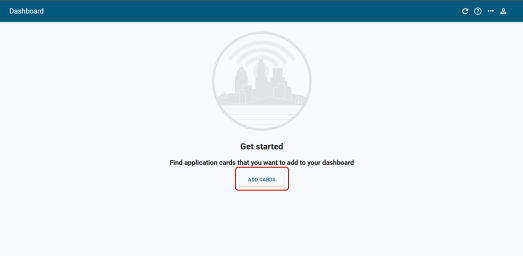
To add cards to your dashboard, click Add Cards. For more information, see Dashboard cards.