Tenant Management KPI card
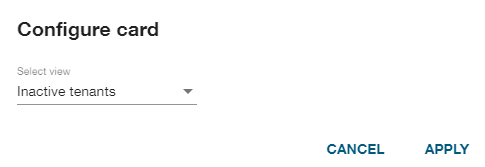
A newly added Tenant Management key performance indicator (KPI) card will initially display an Expiring licenses summary. Click the Actions icon ( ) on the card and select Configure. In the Configure card dialog that appears, select a KPI type from the dropdown menu:
-
Inactive Tenants
-
Expiring Licenses
-
Tenant Types
After selecting a card type, click Apply.
For details about the available Tenant Management KPI card types, see the following topics: