DeviceComm log settings
IEE device communication data derives from the Itron Enterprise Edition (IEE) Meter Data Management (MDM) DeviceComm log, which purges after a defined number of days. Itron recommends setting the retention time depending on the volume of data received and available storage capacity. To adjust this setting, perform the following steps:
-
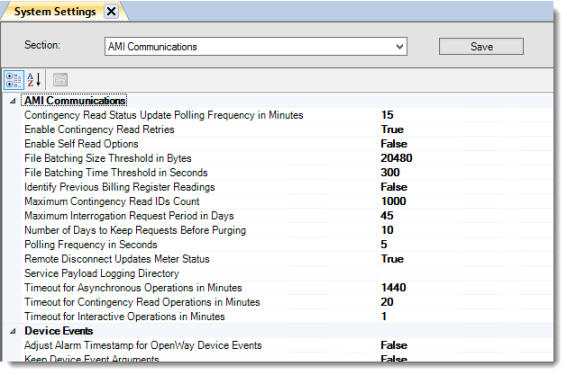
Go to System Administration > System Settings.
-
From the Section dropdown menu, select AMI Communications.
-
For Number of Days to Keep Requests Before Purging, enter the desired number of retention days.