Editing the gas valve management settings
Use the Gas Valve Management tab to define settings related to the Gas Valve Management application. This tab is only available if your Itron Analytics deployment has the Gas Valve Management application licensed.
-
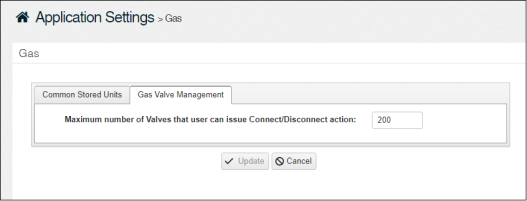
On the Gas page, click the Gas Valve Management tab.
-
In Maximum number of Valves that user can issue Connect/Disconnect action, type a value for the maximum number of devices that can be remotely controlled at a time. Valid values are 1-200.
-
Click Update.