Importing custom analytic event codes
Use this procedure to import custom analytic event codes. The event code name that appears in the application is the eventCode attribute in the XML file. The same event code name cannot be used under multiple package names.
-
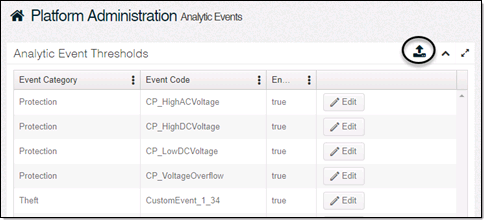
On the Analytic Events page, click Import (
 ).
).
-
Select Import Custom Analytic Event File Package.
-
Click Select Files.
-
Browse to your custom event code .zip folder and select it.
-
Click Open.
-
Click Import.
Tip: In the user interface, imported custom analytic events can only be enabled or disabled, not edited. To update a custom analytic event, upload a corrected custom event code .zip folder with the same package name and event code name defined in the XML file.