Selecting a date range
The Date Select tool allows you to view specific historical data on this page.
-
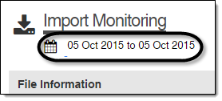
Click the Date Select tool.
-
Select Duration for a set range of days.
-
Select a duration length from the dropdown menu.
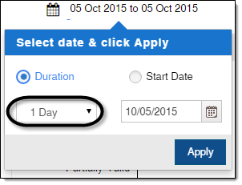
Tip: If the Custom duration length is selected, you will be able to specify a quantity and either days, months, or years.
-
Click the Calendar (
 ) button to select the end date for the range.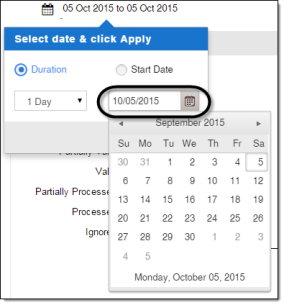
Tip: You can click the heading of the calendar to scale backwards, from viewing a month, to viewing a year, to viewing a small range of years, to viewing a large range of years.
-
Click Apply.
or
-
-
Select Start Date for a specified range of days.
-
Click the Start Date Calendar (
 ) button to select the start date for the duration.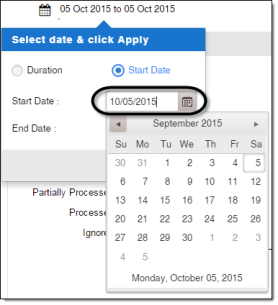
Tip: You can click the heading of the calendar to scale backwards, from viewing a month, to viewing a year, to viewing a small range of years, to viewing a large range of years.
-
Click the End Date Calendar (
) button to select the end date for the duration.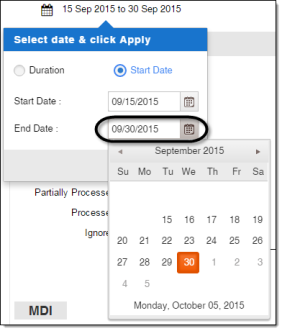
Note: You can click the heading of the calendar to scale backwards, from viewing a month, to viewing a year, to viewing a small range of years, to viewing a large range of years.
-
-
Click Apply.
Tip: To close the Date Select tool without applying changes, click anywhere outside the Date Select tool.