Customizing the font colors in the top bar
The default colors in this sample are #969da9 for .navbar-nav > li text and #ffffff for .navbar-nav > li hover and focus text.
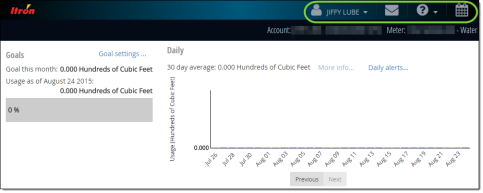
-
Open the app.custom.less file.
-
Type the following code:
Copy.navbar-module-header .navbar-nav > li > a {
color: <color code>;
}
.navbar-module-header .navbar-nav > li > a:hover,
.navbar-module-header .navbar-nav > li > a:focus {
color: <color code>;
}...where <color code> is the hexadecimal string for a color of your choice.
-
Save the app.custom.less file.